AI T-Shirt Design Generator: Design Your Own Custom T-Shirt in Minutes
You do not need Photoshop, a designer or a bulk order to wear something nobody else owns. Here is how an AI t-shirt design generator turns one sentence into a printed custom t-shirt, and how to write ideas that print beautifully.
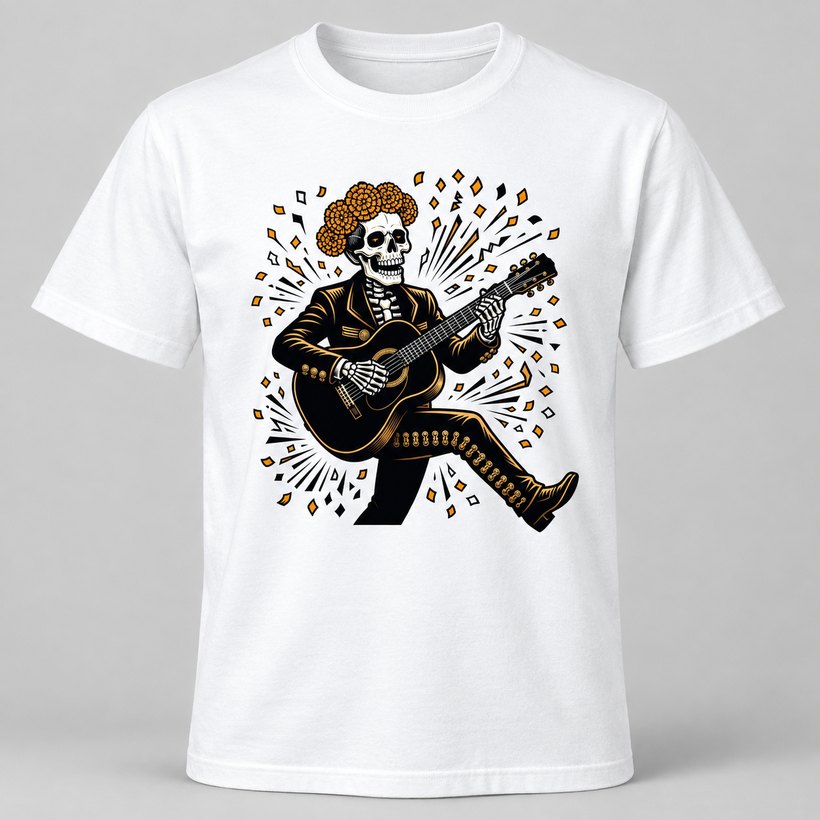
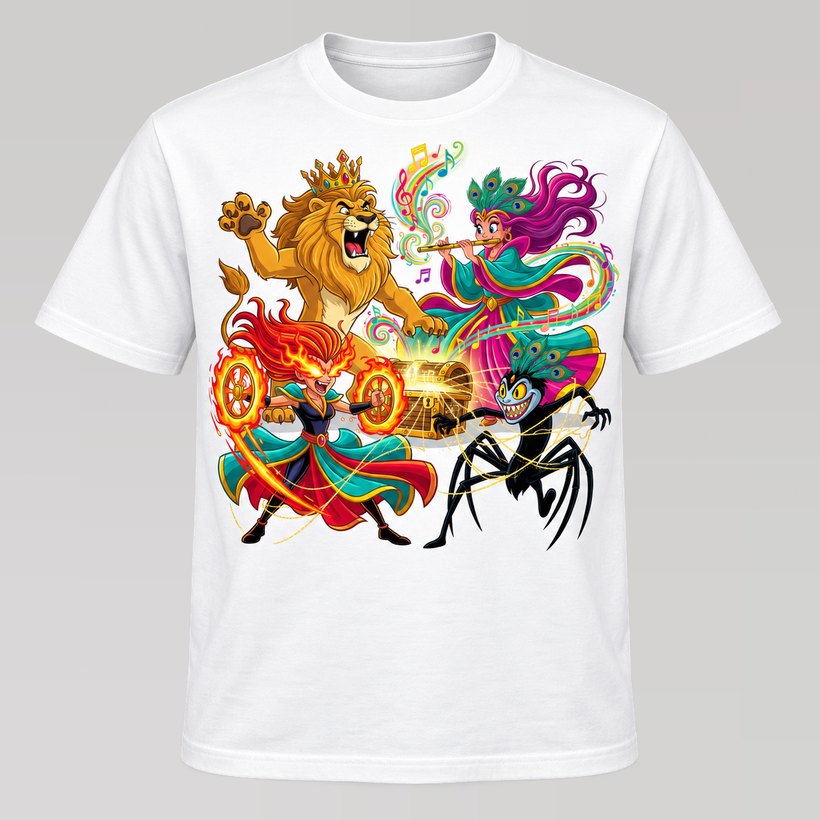
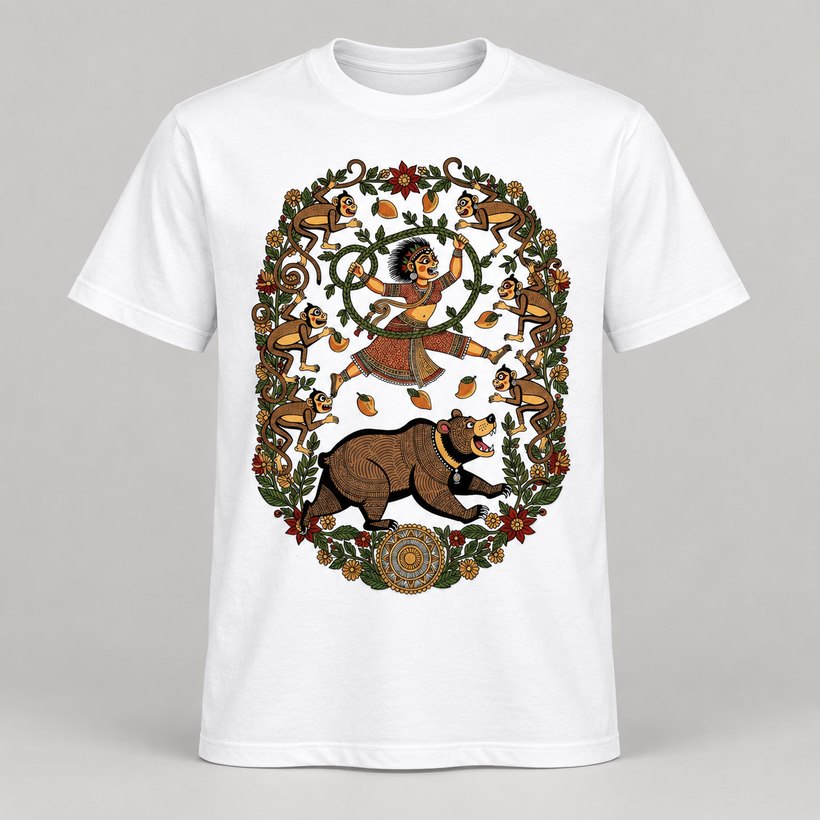
An AI t-shirt design generator turns a written or spoken idea into original, print-ready artwork. You describe the subject, pick an art style, preview the design on the real t-shirt colour and size, and the shop prints it with DTF ink and ships it. On CraftMyAI, designing is free and you can order a single piece.
Key takeaways
- A good prompt names a subject, an action, a mood and a setting. One sentence is enough.
- The art style does the heavy lifting: it decides colours, line work and texture so the design reads well on fabric.
- Always preview on the actual garment colour. A design that glows on white can vanish on navy.
- DTF printing handles full-colour AI art on cotton, on light and dark tees alike.
- Print on demand means no minimum order, so one custom t-shirt costs the same per piece as fifty.
What is an AI t-shirt design generator?
An AI t-shirt design generator is a design tool built around an image model. Instead of drawing, you describe what you want, such as "a lion in a tuxedo playing piano on a rooftop at sunset", and the tool paints original artwork sized and composed for a t-shirt print area.
The difference from a general AI image app is everything that happens around the picture. A t-shirt tool knows the print will sit on a chest, that it has to survive being shrunk to a pocket logo or blown up to a full-front A3 print, and that it has to look good on the colour of fabric you choose. CraftMyAI adds that garment knowledge to every design, then hands the artwork straight to the printer.
How it works, step by step
The whole journey from idea to custom t-shirt takes a couple of minutes, and most of that time is spent choosing your favourite version.
- Describe it. Type the idea in your own words, in English, Tamil or Hindi, or tap the mic and say it out loud.
- The AI paints it. Pick one of 150 art styles, or one of 129 ready-made characters, and the artwork comes back in seconds.
- See it on the tee. Preview it on the real garment in 3D, then set the colour, size and print area: chest logo, standard front or full front.
- Printed and delivered. The design is pressed with DTF ink onto 240 GSM combed cotton and delivered, usually within one to two days locally.
How to write a prompt that prints well
Searches like "AI t-shirt design ideas" and "t-shirt design prompts" are common for a reason: the prompt is where most of the quality comes from. The good news is that a print-friendly prompt is short. It needs four parts.
| Part | What it does | Example |
|---|---|---|
| Subject | Who or what is the star of the design | A baby elephant |
| Action | Gives the design energy and a story | surfing a giant wave |
| Mood | Sets colours and expression | joyful, bright summer colours |
| Setting | Adds a backdrop without clutter | with a sunset behind it |
Put together, that is "a joyful baby elephant surfing a giant wave, bright summer colours, sunset behind it". A few habits make the difference between a design that looks good on screen and one that looks good on a chest:
- Keep one clear subject. A strong silhouette reads from across a room. Crowded scenes turn into noise at t-shirt scale.
- Ask for a logo when you want a logo. "A logo for my bakery" gets flat shapes and few colours, which stay readable as a small chest badge.
- Add text as text. Names, dates and slogans look sharper when added with the text tool than when painted into the artwork.
- Regenerate freely. Each run is a new original. Designing costs nothing, so try three or four and keep the best.
Choosing an art style
The art style decides how the idea looks: the line work, the palette and the texture. It is also what keeps AI art looking intentional rather than random. The same prompt in anime, watercolour and 3D character styles gives three completely different custom t-shirts.
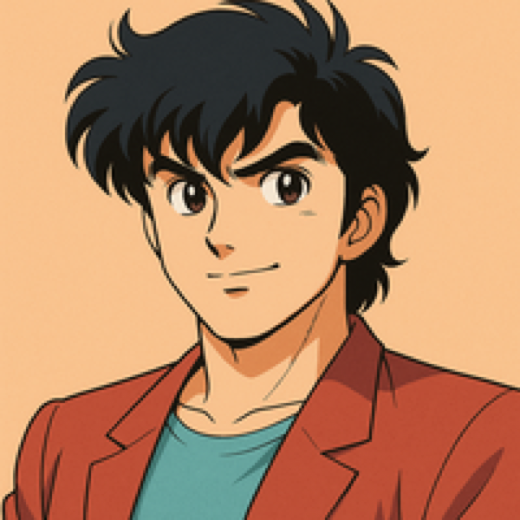
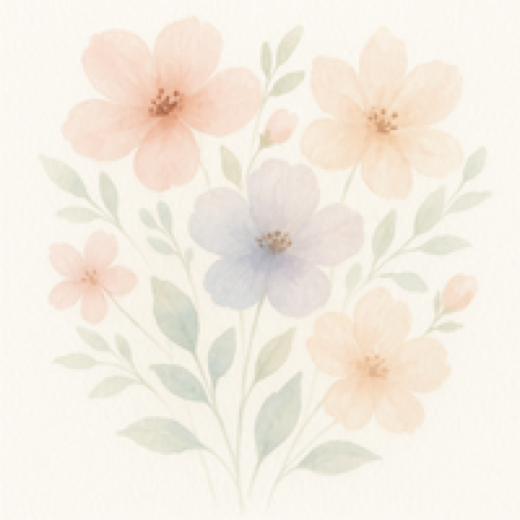
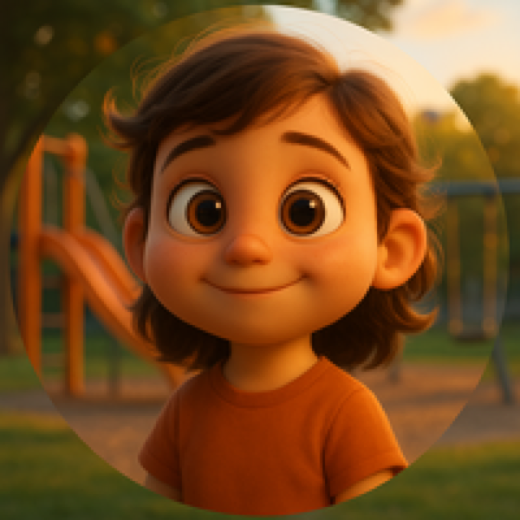
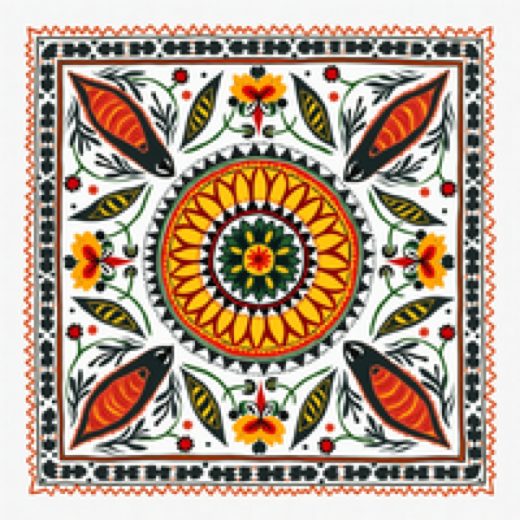
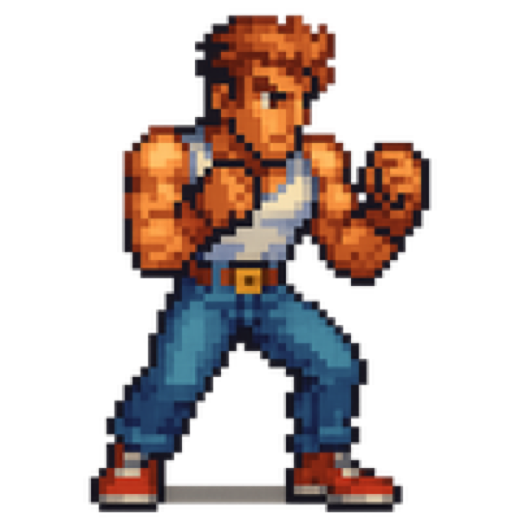
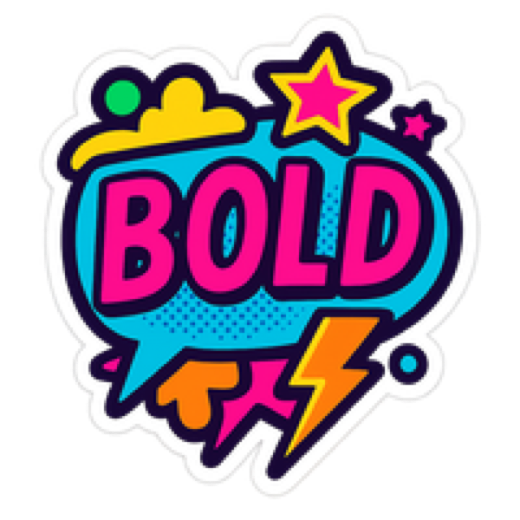
Styles are also grouped by generation, so a Gen Z shelf of kawaii and collectible mascots sits apart from millennial nostalgia and classic Gen X looks. For sharp, badge-like results, the flat vector styles draw in clean shapes that stay crisp at any print size. The same styles make great craft images too: sticker-style characters, colouring-page line art, or a tee built around a child's favourite toy, drawn as a 3D character or claymation figure. We explain why this curated approach beats typing into a general chatbot in Design app vs frontier AI models.
How the design gets onto the t-shirt
AI artwork is full colour, often with gradients and fine detail, so the print method matters. CraftMyAI uses DTF (direct to film) printing: the design is printed onto a transfer film with a white underbase, coated with adhesive powder, cured and heat pressed onto the fabric. That gives vivid colour on both white and dark cotton tees, and a print that survives wash after wash.
Sublimation is the other method people ask about. It is excellent on white polyester and on coated mugs, but it cannot print on cotton or dark fabric. Our DTF vs sublimation guide compares the two for t-shirts, mugs and pens.
| Print format | Size | Best for |
|---|---|---|
| Chest logo | 17 x 17 cm | Logos, names, small badges |
| Standard front | 21 x 30 cm (about A4) | Most character and illustration designs |
| Full front | 30 x 42 cm (about A3) | Edge-to-edge statement prints and scenes |
What a custom t-shirt costs
Because designs are printed on demand, there is no setup fee and no minimum order. Pricing is one flat rate per size, whatever the design:
- Men and women, S to L: Rs 449. XL: Rs 499.
- Children, 2 to 3 years up to 14 to 15 years: Rs 299 to Rs 399.
- Designing, regenerating and previewing: free and unlimited.
That model is also why made-to-order apparel wastes so much less than warehouse fashion. We dig into that in Print on demand vs bulk orders. Mugs, water bottles and pens are coming next, with artwork already composed for each shape. See AI personalised gift ideas for what that will look like.
Frequently asked questions
What is an AI t-shirt design generator?
An AI t-shirt design generator is a tool that turns a written or spoken idea into print-ready artwork for a t-shirt. You describe what you want, choose an art style, and the AI draws an original design that can be previewed on a garment and printed, usually with DTF transfer.
Do I need design skills to make a custom t-shirt with AI?
No. You only need an idea in plain words. The art style you pick handles colours, line work and texture, and you can regenerate as many times as you like until the design feels right.
Is it free to design a t-shirt on CraftMyAI?
Yes. Designing and regenerating is free on CraftMyAI. You only pay for the t-shirt you decide to print, from Rs 299 for kids sizes and Rs 449 for adult sizes.
What printing method is best for AI t-shirt designs?
DTF (direct to film) printing is the best fit for most AI designs on cotton t-shirts because it prints full colour, fine detail and gradients on both light and dark fabric, and it holds up well in the wash.
Can I order just one custom t-shirt?
Yes. CraftMyAI prints on demand, so the minimum order is one piece. Every design is printed only after it is ordered.